The CRTP sniffer tab captures and displays all CRTP (Crazyflie Real-time Transfer Protocol) packets sent to and received from the Crazyflie in real time. It is useful for debugging communication between the client and the drone.
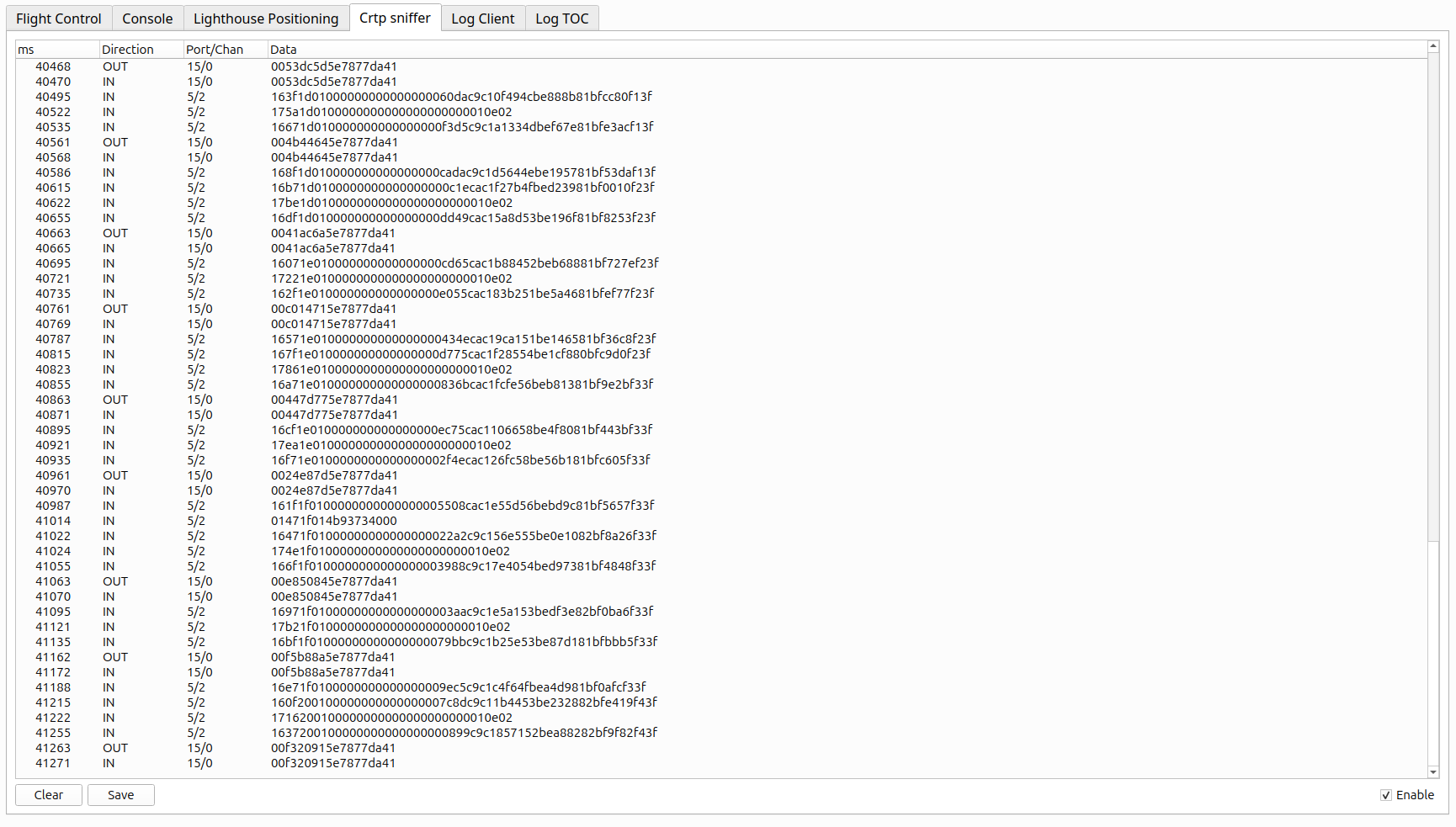
- Fields
- ms: Timestamp in milliseconds since the sniffer was enabled
- Direction:
INfor packets received from the Crazyflie,OUTfor packets sent to it - Port/Chan: The CRTP port and channel of the packet, formatted as
port/channel - Data: The packet payload as a hexadecimal string
- Controls
- Enable: Check to start capturing packets. Uncheck to pause capture. Heartbeat packets are automatically filtered out to reduce noise.
- Clear: Removes all packets from the display and clears the internal buffer.
- Save: Writes all captured packets to a CSV file.
The saved file is written to the logdata folder in the client configuration directory
and is always named shark_data.csv, overwriting any previous save.
To find your configuration directory, click Settings / Open config folder.
Example of saved data:
1042, OUT, 0/0, 01ff
1103, IN, 0/0, 00
1245, OUT, 5/0, 0300000000